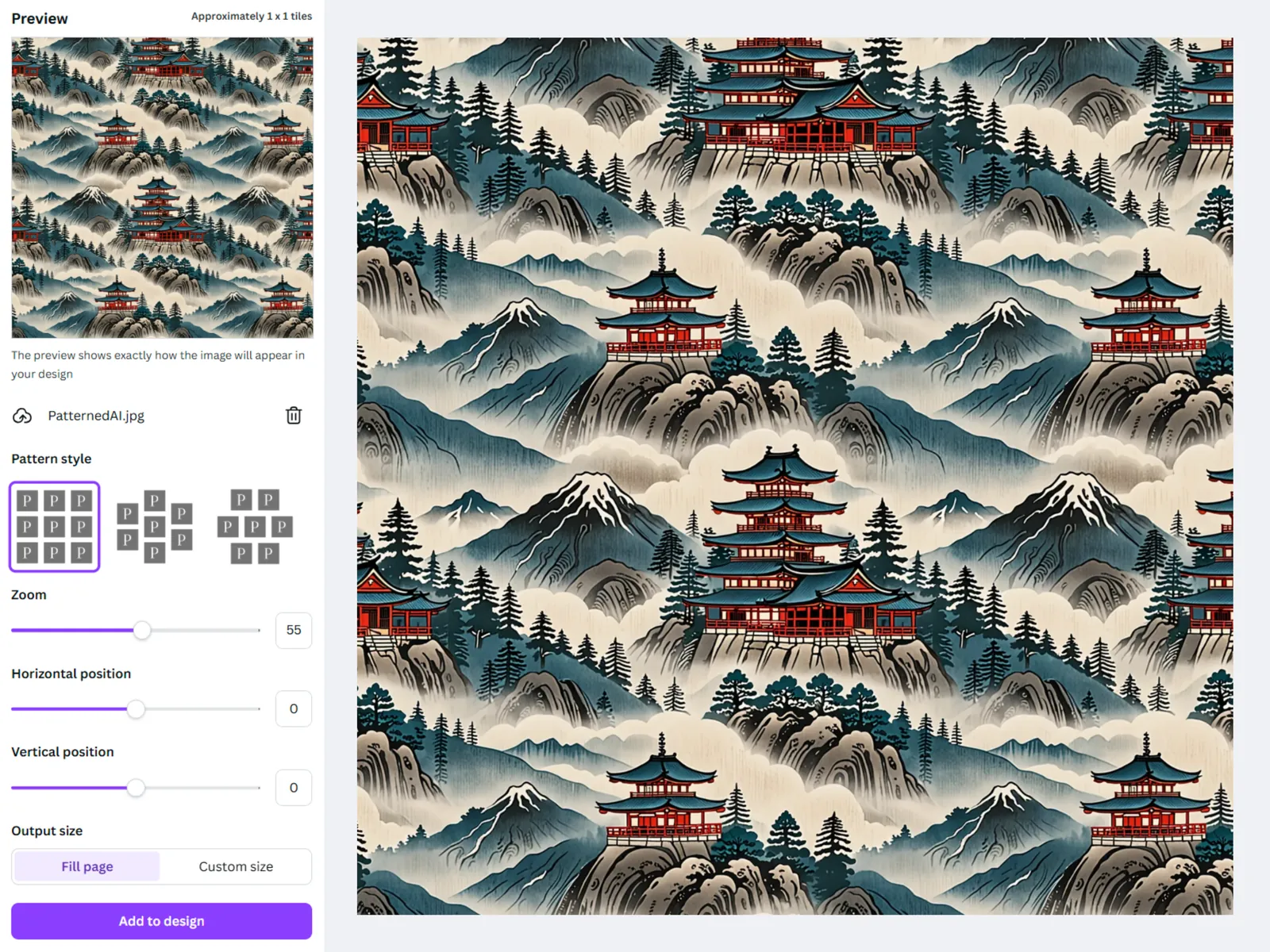
One tile is enough for a pattern. Arranging hundreds of copies by hand shouldn't be part of the job, so I built Tile To Pattern to do it inside Canva.
No server, just a canvas
Everything runs in the browser. The app reads the design's page size through Canva's Apps SDK, draws the whole pattern on an HTML canvas at exactly that size, and adds it to the page as a single image.
Sized to the page
Pages under 2,050 px on both sides are drawn at twice their size, so the pattern stays sharp once Canva scales it into the design. Designs without a fixed page, like whiteboards, have no size to read, so they start from 1080 × 1080, and a custom size can go up to 10,000 px a side.
Shrink once, then repeat
A tile is usually drawn smaller than the image it came from. Rather than resize every copy as it's drawn, the app shrinks the tile once on a separate canvas with high-quality smoothing and repeats that. Each layout is then just an offset: a brick shifts every other row by half a tile and a half drop shifts every other column, so a tile that was seamless stays seamless. The preview is a second canvas drawn at the screen's pixel density, so it's sharp on high-resolution displays.
Review
Canva's MCP server was set up for Cursor and VS Code from the first commit, which kept the Apps SDK documentation inside the editor. Canva reviews every app before it's listed; the first round came back with 11 must-fix items, from layout and copy to linking every form label to its control for screen readers. All of them were fixed before launch, and the app reached 1,500 installs in its first month.