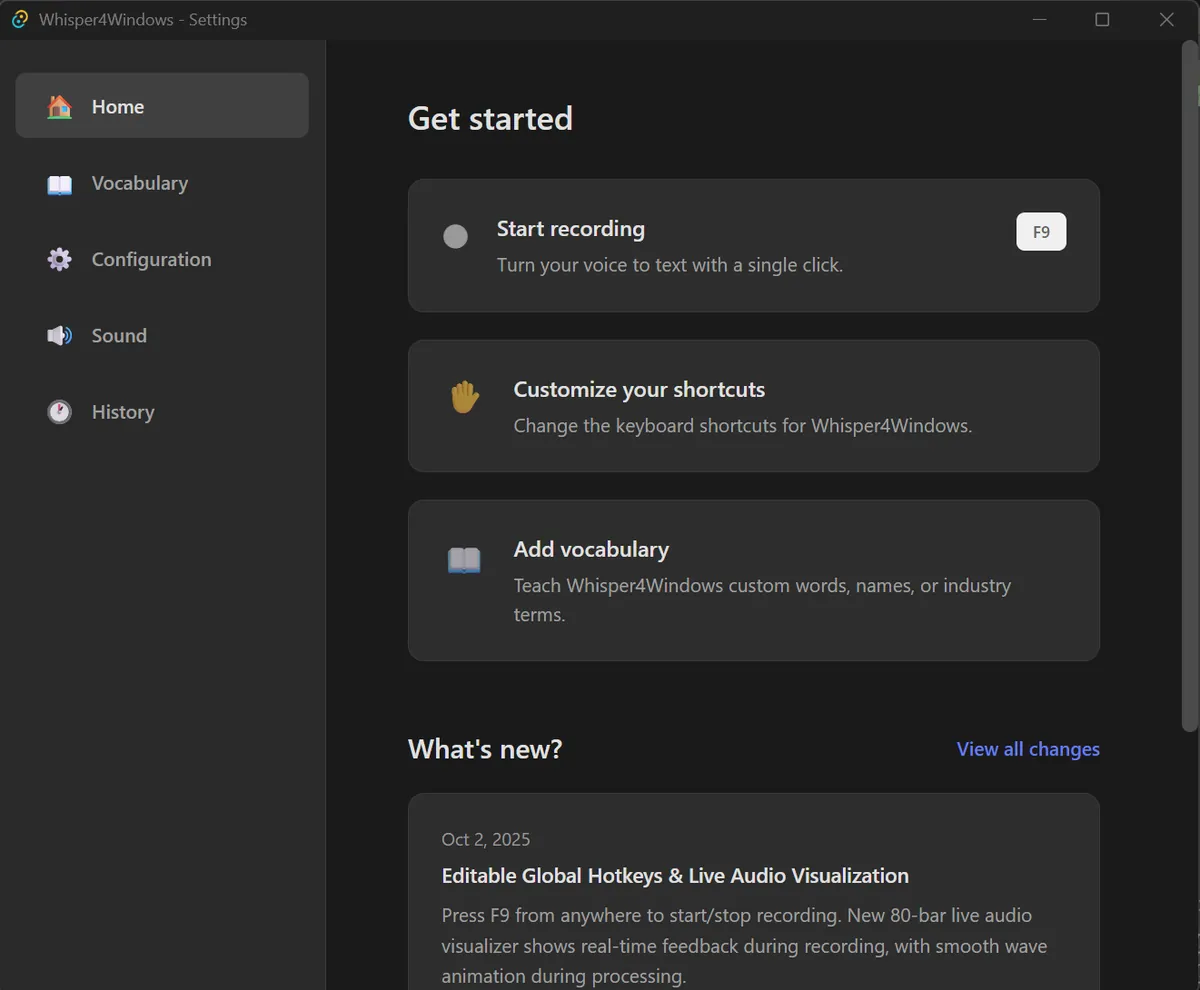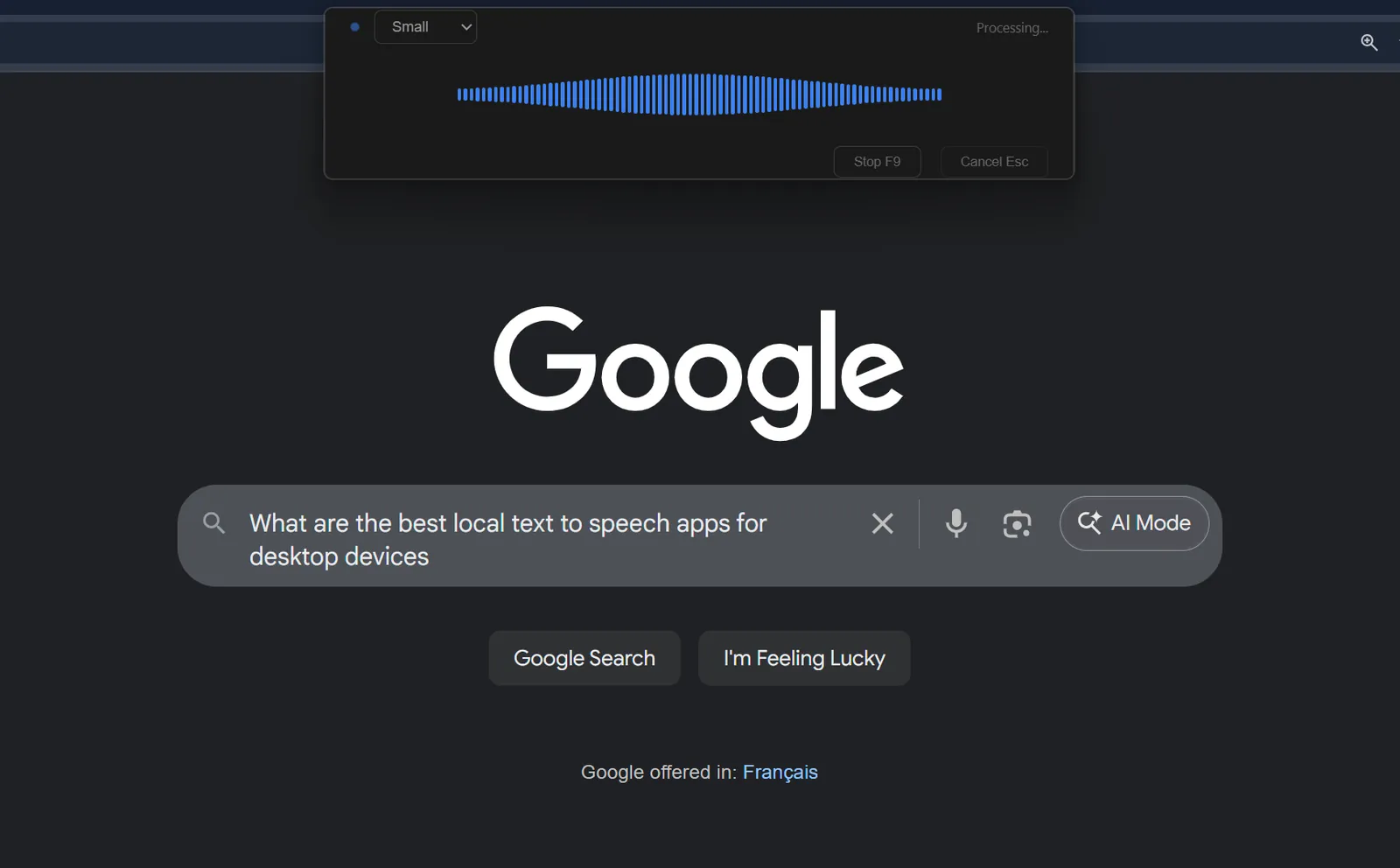
I wanted the convenience of SuperWhisper on my Windows machine, so I built a dictation app of my own. It runs Whisper locally after a one-time model download. No account or API key required.
Keeping the recorder responsive
Rust and Tauri handle the shortcut and recording window. A separate Python service runs Whisper, keeping model loading and transcription out of the interface. The model stays loaded between recordings.
Working with different hardware
The app uses an NVIDIA GPU when available and falls back to the CPU otherwise. It can also use a smaller number format when memory is limited. Speed depends on the hardware and model you choose; the project's reported GPU timing is 0.5–2 seconds for a 30-second recording.
The last step is a paste
Typing the result one character at a time was slow and unreliable. The app pastes the completed text through the Windows clipboard instead, with an option to restore your previous clipboard contents.